Set category targets and owners
A Dream Wedding Builder product
Know the real cost before it surprises you.
A wedding budget spreadsheet is a working record of expected costs, signed commitments, payments and remaining balances. It connects each expense to its category, payer and due date so couples can compare their plan with current agreements and see when cash is needed before making another booking.
Organize estimates, contracts, deposits, due dates, hidden costs, and payment records in one editable workbook and printable planning packet.
$12
one-time purchase
Instant protected access after verified payment
Editable and printable files. Personal-use license. Support: info@weddingchecklistpdf.com

Quick answer
Organize estimates, contracts, deposits, due dates, hidden costs, and payment records in one editable workbook and printable planning packet.
What this tool is best for: recording your own quotes, commitments, payments and due dates.
Look inside before checkout
Actual previews from the paid PDF and workbook
Every image below is generated from the canonical paid release, then flattened and watermarked. You can inspect the real structure without receiving a usable substitute for the product.

Preview 1 of 5
Category control sheet
Compare estimates, contracted amounts, payments, remaining balances, variance, ownership, and notes by category.

Preview 2 of 5
Vendor payment calendar
Track deposits, final balances, due dates, paid status, and receipt notes in one vendor register.

Preview 3 of 5
Hidden-cost review
Surface taxes, service charges, delivery, meals, overtime, gratuities, alterations, postage, and other easy-to-miss costs.
Preview 4 of 5
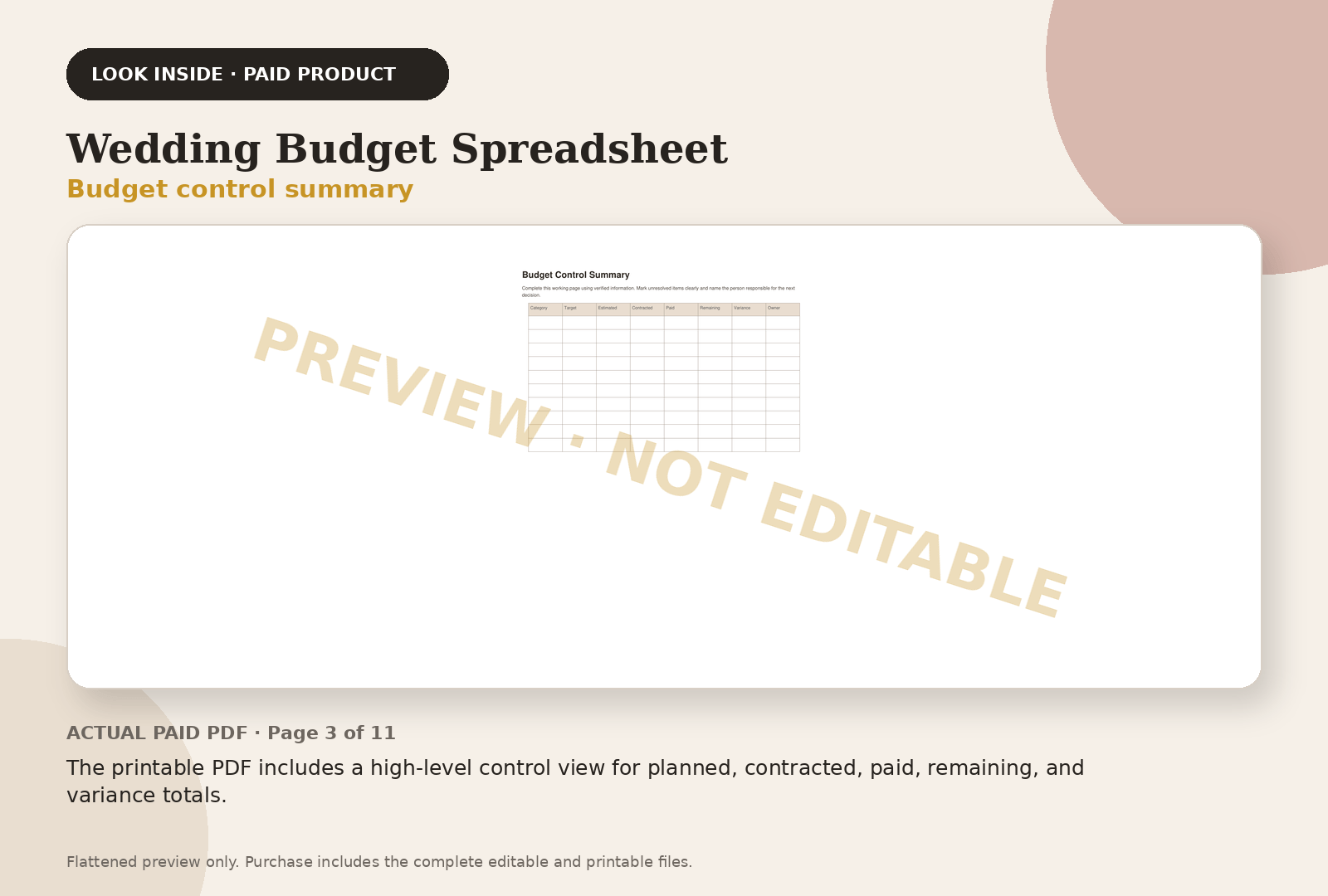
Budget control summary
The printable PDF includes a high-level control view for planned, contracted, paid, remaining, and variance totals.
Preview 5 of 5
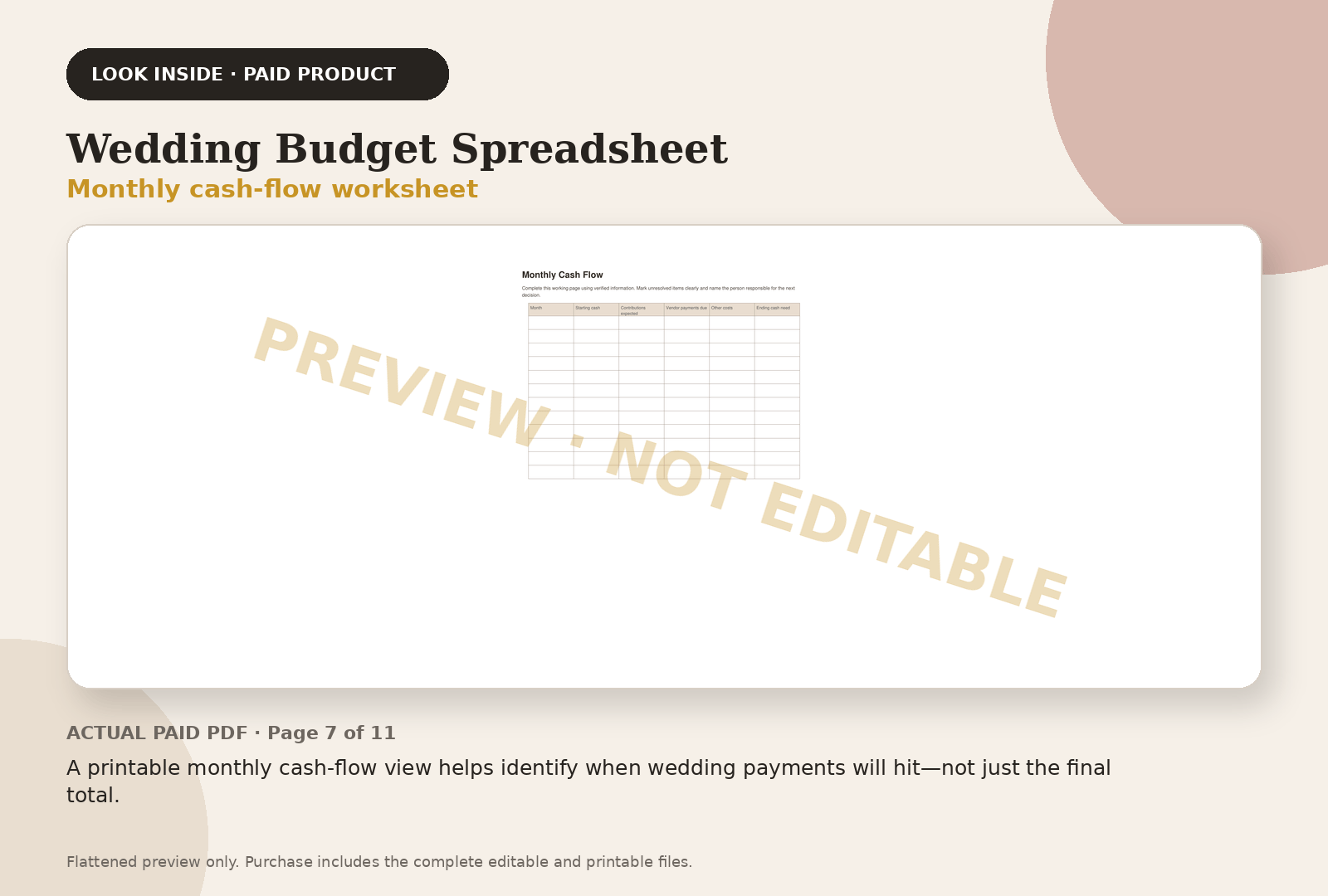
Monthly cash-flow worksheet
A printable monthly cash-flow view helps identify when wedding payments will hit—not just the final total.
Exactly what you receive
11-page printable PDF
Printable planning pages from the same canonical release shown in the preview gallery.
Editable XLSX workbook
The editable working file, not a screenshot or flattened sample.
Workbook sheets
- ✓ Categories — 24 rows
- ✓ Payments — 34 rows
- ✓ Hidden Costs — 24 rows
40 built-in formulas
Formula count is taken from the canonical paid workbook release.
Also included
- ✓ Setup CSV included with purchase
- ✓ Personal-use license and operating instructions
The outcome
What this product helps you finish
- ✓ One source of truth for estimates, contracts and payments
- ✓ Monthly cash-needed view before bills arrive
- ✓ Hidden fees and contingency visible early
- ✓ Clear remaining-balance and due-date tracking
Best for
- Couples comparing vendor proposals
- Families sharing wedding costs
- DIY planners who need payment control
Not sure? Use the browser-based Dream Wedding Builder to clarify your planning needs, then return to the paid-file previews before choosing a product.
How it works
From purchase to working handoff
Enter vendor estimates and contracted totals
Track deposits, balances, and due dates
Review hidden-cost and cash-flow worksheets
Reconcile the final budget manually against verified records
Why not a generic template?
Because finishing is different from starting.
A blank template can help you begin. This product is built for final-mile execution: complete inputs, reconciliation, ownership, printable and editable handoffs, and product-specific checks.
Generic template
Blank structure, limited guidance, and manual handoff work.
Wedding Budget Spreadsheet
Wedding-specific working files, process guidance, checks, and a defined final output.
Questions before you buy
Plain answers, before checkout
Why pay when Google Sheets is free?
The value is the wedding-specific field structure, payment tracking, hidden-cost prompts, and printable planning worksheets—not the blank spreadsheet software. Totals and decisions still need to be reconciled against verified records.
Will it tell me what vendors charge?
No. Pricing varies. Enter real quotes and contracts. The workbook helps you compare and control them.
Can family contributions be tracked separately?
Yes. The contribution and payment sections distinguish pledged, received and allocated amounts.
Free sample
Not ready to buy? Try 3 pages of the checklist free
How to use it, the critical-path page and the 12 to 9 months page, as a printable PDF.
Best value
Get all four tools for $39
$52 separately. Save $13 with the Dream Wedding Operations Suite.
Compare every product
Research before checkout
Read the planning method
The educational hub explains what to track, how to organize it, and where couples commonly lose control. It does not distribute a downloadable substitute for the paid product.
Open the planning guide →Important boundaries
These are organizational tools, not legal, financial, safety, accessibility, tax, insurance, or professional-event-planning advice. Verify contracts, costs, timing, capacities, dietary information, accessibility needs, and local requirements with the relevant professionals.
Frequently asked questions
How should I organize wedding budget categories?
Group costs by the agreement you will pay, then use subcategories where they clarify a decision. Keep venue, catering, attire, photography, decor, entertainment, transport and stationery separate. Put taxes, delivery and service charges beside the relevant quote so they remain visible when you compare vendors.
How do I track deposits and family contributions?
Record a deposit once as a payment against the full contract, with its date and receipt. Track a promised family contribution separately from funds already received. Compare money available in each due month with the payments scheduled for that month before treating a contribution as spendable cash.
What should I check before using a budget template?
Check whether formulas include newly added rows, whether paid amounts reduce balances correctly and whether dates survive import into your spreadsheet application. Keep the original estimate alongside the signed amount. Replace sample values with your own quotes and save a copy before changing formulas or categories.
One-time purchase
Wedding Budget Spreadsheet — $12